


How to evaluate software for your longevity clinic

Bring one realistic first-consultation enquiry to every software demo. Ask the vendor to take it from the first message to a confirmed appointment, then let your coordinator repeat the steps.
That gives you something concrete to compare when choosing clinic management software for longevity clinics: how your team would handle a normal piece of work, including a change of plan. Use the worksheet below to record what you saw and what still needs an answer.
Start with an enquiry your front desk recognises
Use invented details for this example. Someone emails to ask what a first consultation includes, what it costs and which times are available. Your coordinator records the enquiry, finds the consultation details, sends the information and offers suitable times.
The person chooses a time. Your coordinator confirms it, records the next administrative task and hands the enquiry to a colleague covering the desk. Then change the scenario: the person asks to move the appointment.
Ask the vendor to use this example in the demonstration. Note where your team would need to copy information, switch tools or ask someone else what happened. Those steps matter, because someone will perform them on a busy clinic day.
Follow the contact and the enquiry
Start with a simple question: “Where would my colleague look to understand this enquiry?” Ask to see the original message, the person responsible and the next action.
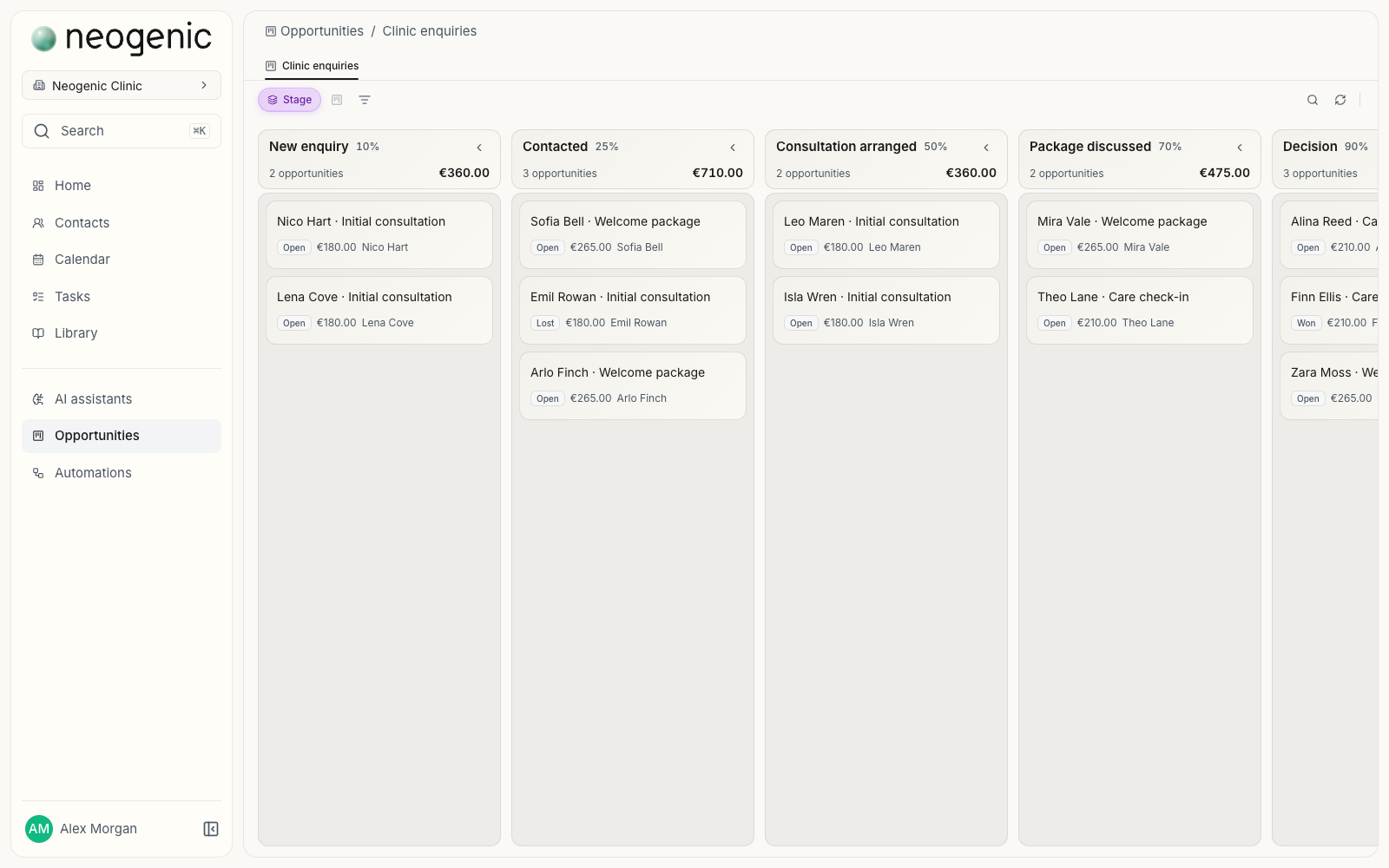
A returning contact may make a new enquiry. Test whether staff can tell the new request from an earlier one without losing the history. In the sales pipeline, ask what moves the enquiry from “times offered” to “appointment confirmed”. Watch who makes that change and what happens to unfinished work.
Move the appointment and check the tasks
Ask where the appointment is recorded and which calendar the team uses. If another calendar is connected, change the time and inspect both places. Record whether the change appears automatically or needs a manual update.
Then check the associated tasks in the clinic workspace. Does moving the appointment change their deadlines? Can staff see which tasks need attention? Ask to see the behaviour rather than assume the dates move together.
Find the consultation details you would actually send
Ask the coordinator to find the consultation description, the price and any package being discussed in the service catalogue. Can they tell what is included and which information is current?
Change an example price. Check whether staff can still find what was quoted earlier. Ask the vendor to show how the team avoids sending an outdated description. Record any checking or updating your clinic would need to do by hand.
Test a staff handover
Have a second person open the enquiry with the access a covering colleague would receive. Can they see what was sent, what was agreed, who is now responsible and what happens next?
Assign the next task to that colleague and ask them to find it without directions from the first coordinator. Check that their access suits the job. A successful handover means the colleague can continue the work with the information and permissions they need.
If an assistant matters, test its access and limits
Include this check only if an assistant is part of what you need. Ask a routine administrative question using the example consultation, then ask where the answer came from. Establish which catalogue details and shared clinic documents it can use, and whose permissions govern that access.
Try a question the available information cannot answer, and ask what happens next. If the vendor says the assistant can take actions, ask for a demonstration of the permissions, the human controls and the resulting record. Write down which steps a person performs and which the assistant performs.
Check exports separately
Staff handover and data export answer different buying questions. Export tests whether you can take usable information out of the system.
Request an export of the example contact, enquiry, notes and tasks, and open it. Can you understand the fields, the dates and the connections between records? Ask what is excluded, how attachments are handled and whether exporting costs extra. If you expect to move to another system later, establish what additional work that would take.
Bring this worksheet to each demo
Keep the same requirements across vendors. Add any requirement your clinic depends on, and note the vendor, the date and the person who tried the example. Use the last two columns for what you observed, including manual steps and anything the vendor could not demonstrate.
- Vendor
- Date of demo
- Who tried the example
| Requirement | What to ask the vendor to show | What you observed | Gap or follow-up needed |
|---|---|---|---|
| Follow the enquiry | Find the contact, history, pipeline stage, owner and next action. | ||
| Manage time and tasks | Move the appointment; inspect calendars, task deadlines and review reminders. | ||
| Use current service details | Find consultation or package details and the price previously quoted. | ||
| Hand work to a colleague | Reassign the work and continue it using the colleague's access. | ||
| Use an assistant, if required | Identify its sources, permissions, uncertainty and any action controls. | ||
| Export usable information | Open the sample export and check its contents and relationships. |
Turn the gaps into a buying decision
Identify which gaps would stop your team doing its work. For each one, agree what needs to be demonstrated before you commit. Keep a promised feature recorded as a promise until you can test it.
Compare the full cost: subscription, setup, migration, training and usage charges. Ask who will help your team get started and what that support includes.
If the demonstration exposes uncertainty in your own process, use the clinic enquiry follow-up checklist to agree responsibilities before the next demo.